Personal debit cards are automatically enrolled. Personal credit cards will need to be manually enrolled.

We use cookies on this site to improve the user experience and analyze website traffic. To learn more about how we use cookies, please see our Manage Cookies page. You can adjust your cookie settings to allow only specific types of cookies. By continuing to use our site, you are agreeing to our Privacy Policy and cookies usage.


- Available within myTrustmark
- Freeze/unfreeze cards
- Set spending limits
- Apply controls based on location, transaction type or merchant type
- View spending analytics
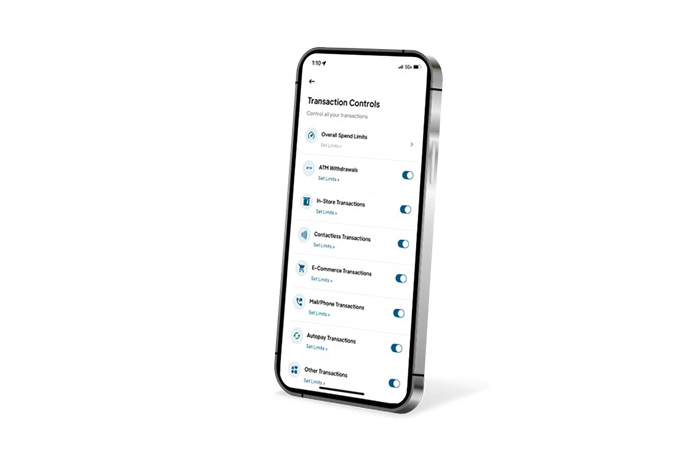

Transaction Controls
Set spending limits and enable/disable transactions by type

Location Controls
Limit transactions geographically

Merchant Controls
Allow payments to pre-selected merchants


Access Card Controls within myTrustmark online banking. Log in and from the Menu, click Services, then Card Controls.
Not a myTrustmark user? Download the app today to get started.